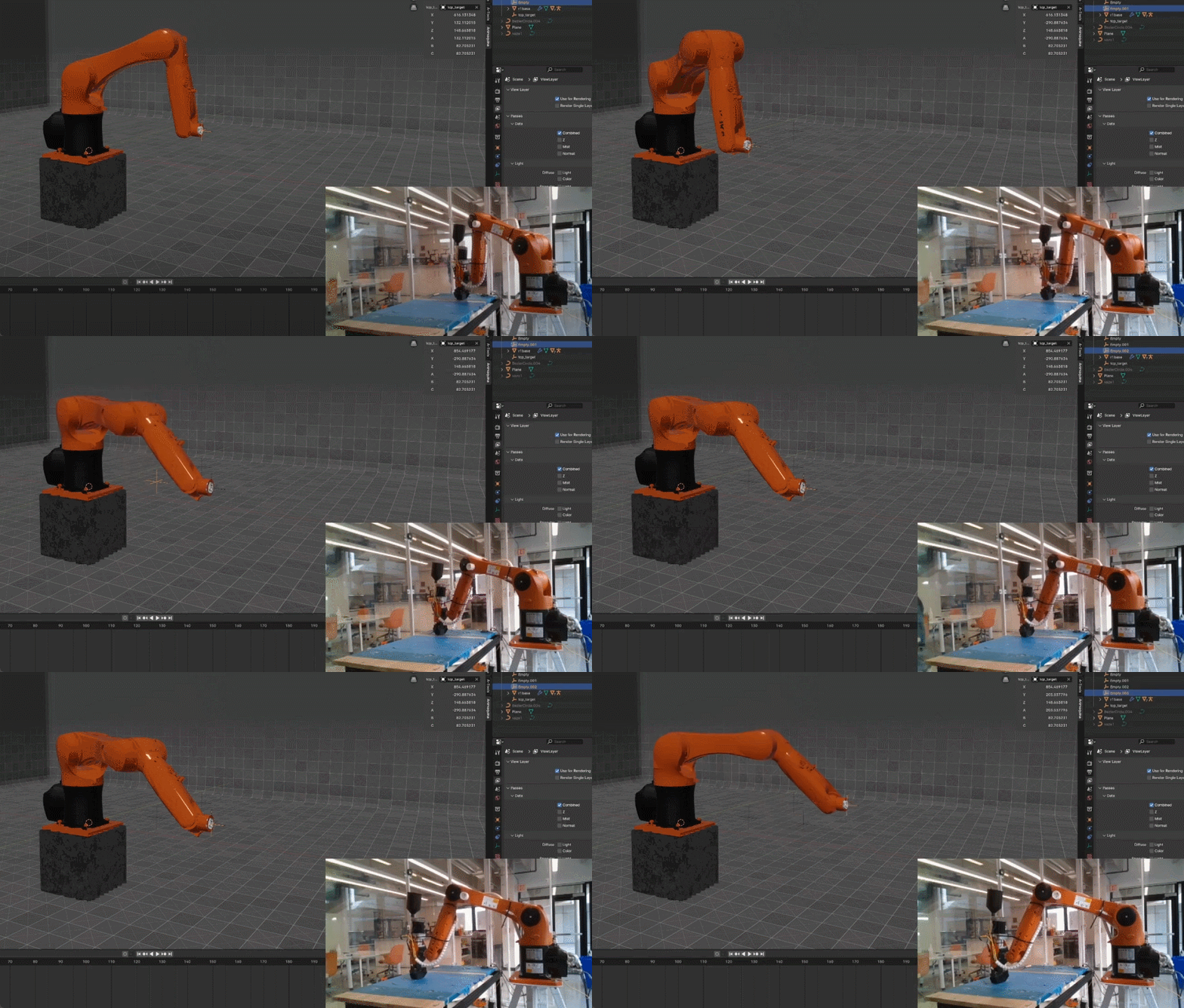
Animaquina is a robot IDE that controls and simulates robotic arms directly inside Blender. Instead of learning a vendor’s proprietary software, you program, visualize, and move real robots from Blender’s 3D viewport — the same environment designers already model in. I built it to close the gap between digital simulation and physical execution, for designers, engineers, and students working with robots.
Animaquina is open source (GPL-3.0) and currently in beta for Blender 5.2 LTS.
ANIMAQUINA ON GITHUB · animaquina.com
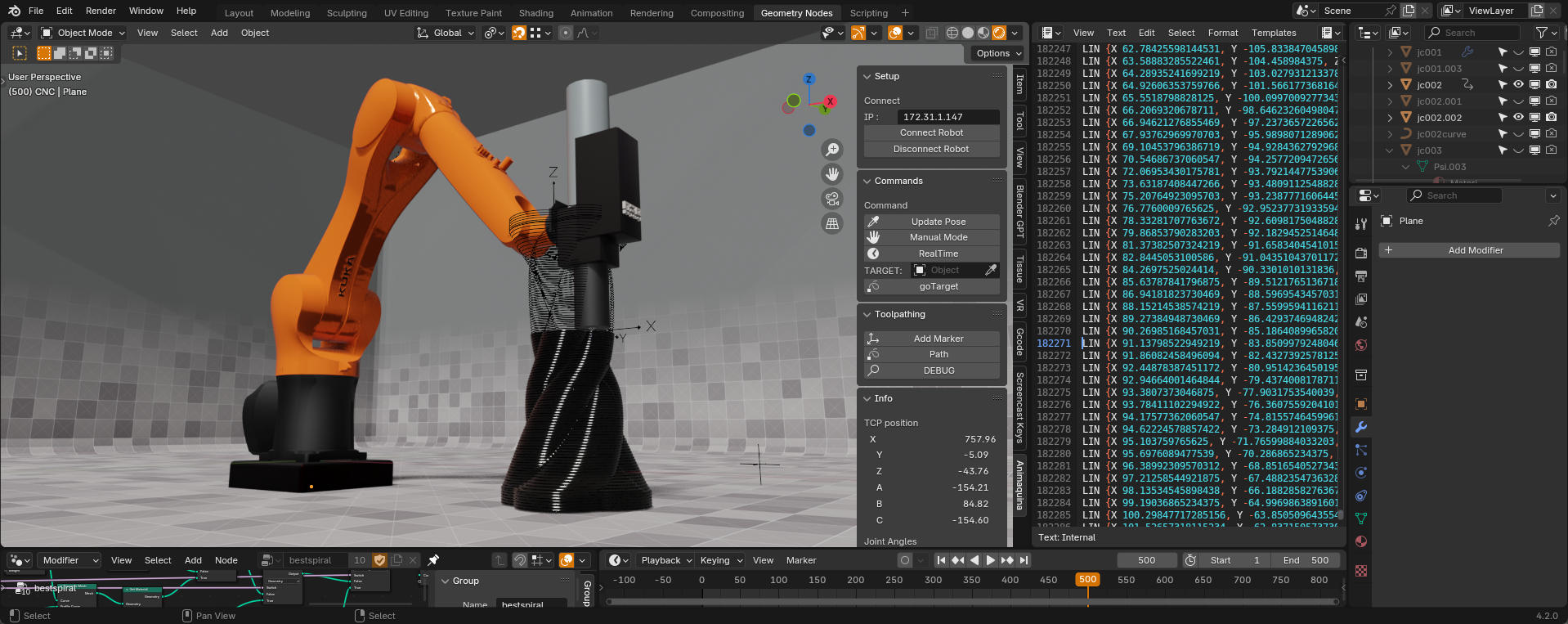
Features
- Multi-robot control: Add, configure and connect several robots in one Blender scene.
- Digital twin: The 3D model stays synchronized with the physical robot in real time, without freezing Blender’s UI.
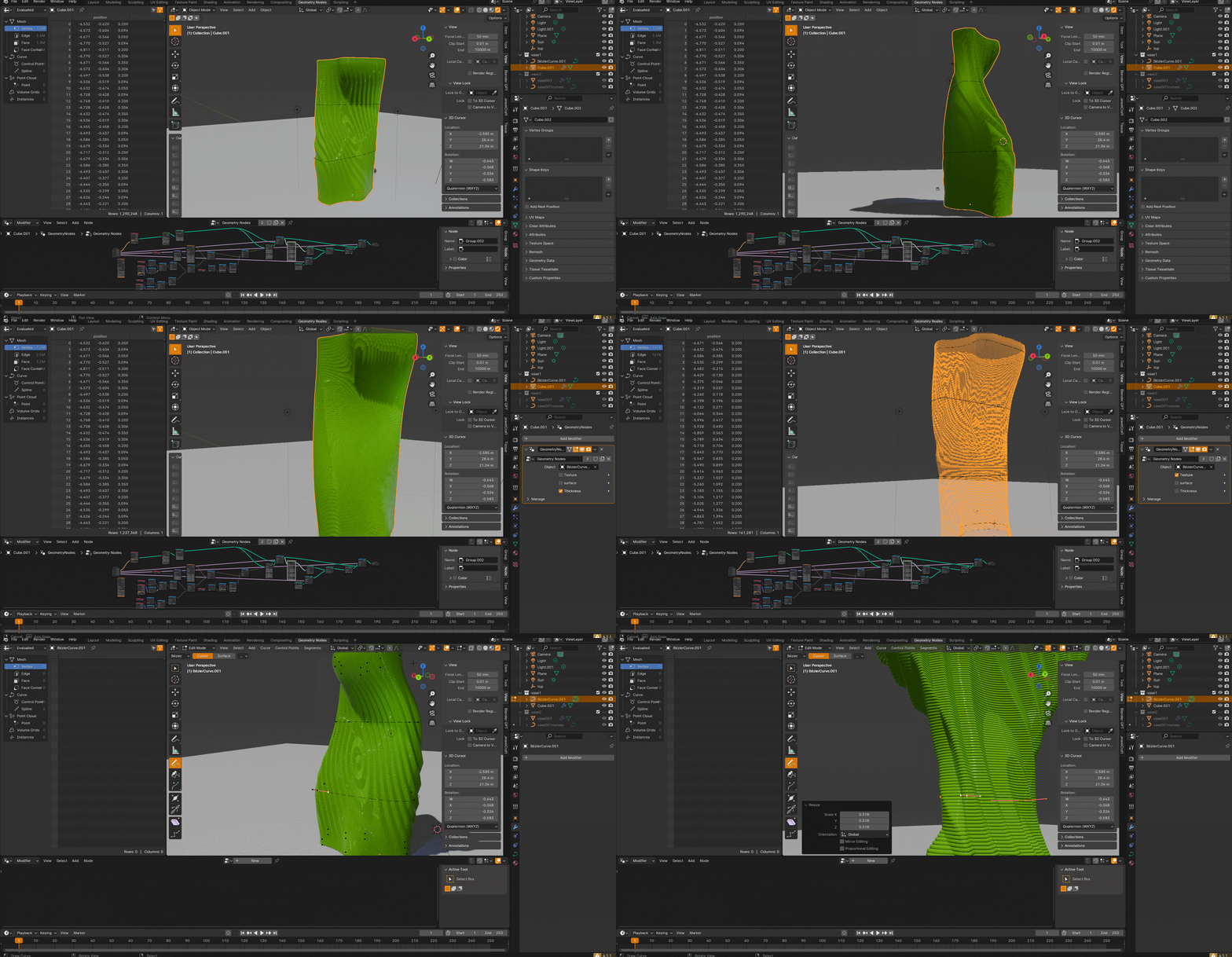
- Interactive toolpathing: Run toolpaths from any mesh or curve, including ones generated with Geometry Nodes.
- Puppet mode: The robot follows a target object continuously, in real time, with configurable rate and safety limits.
- Teach mode: Guide UR and xArm robots by hand while the digital twin follows.
- Offline program export: Generate KRL (KUKA) and URScript (UR) programs from mesh waypoints, then upload and run them.
- End-effector streaming: Per-waypoint attributes such as extrusion speed, flow and temperature are streamed to the tool as the robot moves.
- Path validation (experimental): Collision and reachability checks before running a path.
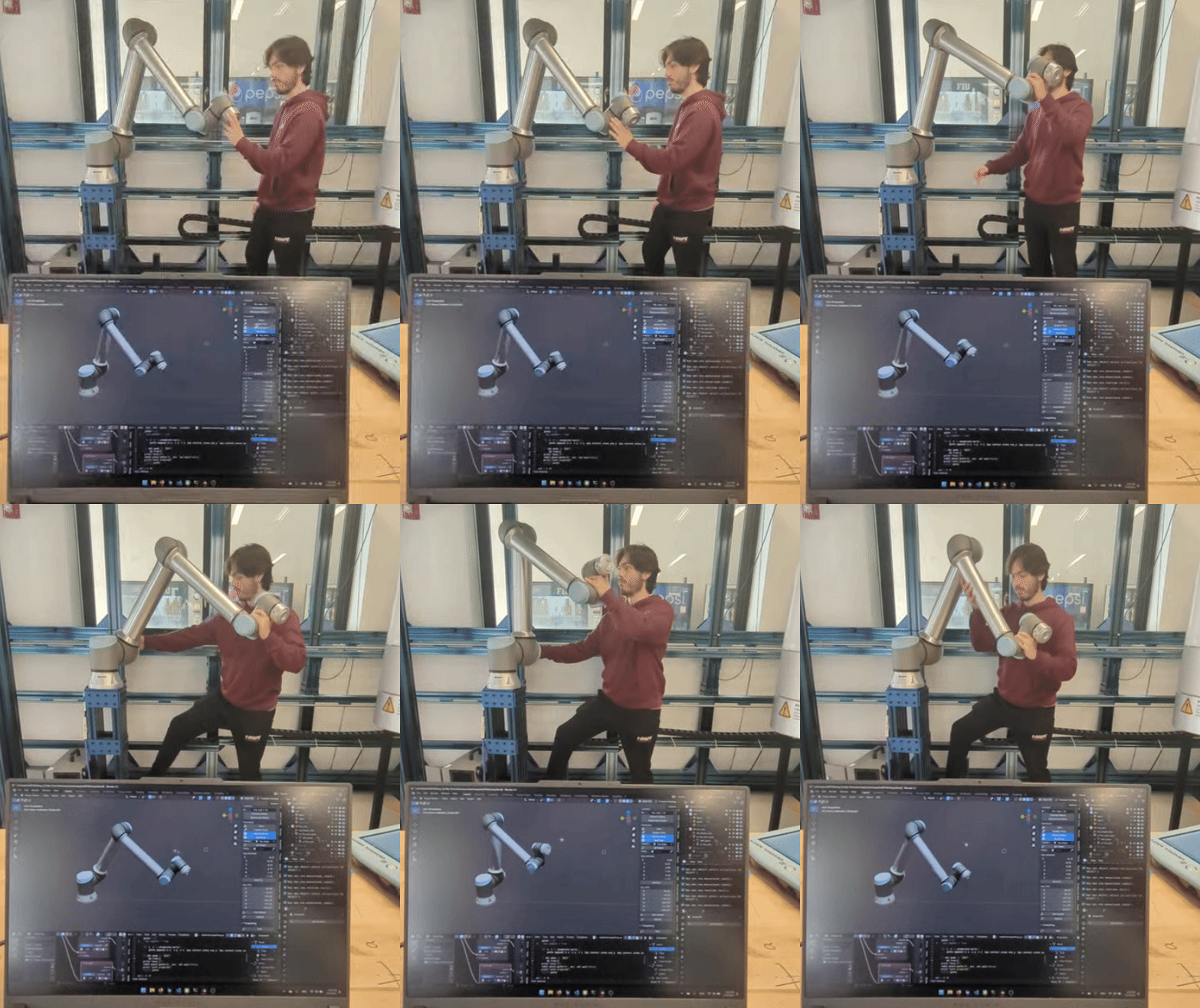
Supported Robots
| Brand | Models |
|---|---|
| Universal Robots | UR3, UR5, UR10, UR16, UR20, UR30 |
| KUKA | KR10, KR30, KR120 |
| UFactory xArm | xArm 6, UF850 |
Animaquina drives real industrial machines. It has no safety function and does not replace your robot’s safety systems. Read the safety notes before connecting to a robot.
For support or custom integrations, feel free to reach out at: luigi(at)neobrutal(dot)com.
Research
Animaquina was presented at ACADIA 2024 and its animation-based approach to robot programming at SIGraDi 2025. See my research page for the papers.
Ecosystem
Animaquina works with FabNodes for networked end-effectors and sensors, PhyNodes for wiring physical signals into Blender, and GeoSlicer for sliced, attributed toolpaths.
Applications
Where I’ve seen it used, and where I want to take it:
- Hybrid Manufacturing:
- Develop, manage, and run robotic toolpaths for 3D printing, CNC milling, and more, directly from Blender.
- Art Installations:
- Create interactive art pieces that respond to environmental inputs, choreographed through Blender.
- Theatre and Stage Performances:
- Control moving stage elements, enabling complex choreographies and dynamic performances.
- Education:
- Teach concepts of robotics within an integrated and easy-to-use environment, making learning more interactive.
- Prototyping:
- Quickly test robotic motion in the real world, with direct control from Blender for faster iteration cycles.